01
Invoices you issue
Prepare customer invoices and keep the details of the related work together.
- Create and review issued invoices
- Keep relevant quotation/project references and attachments with the record
Invoicing
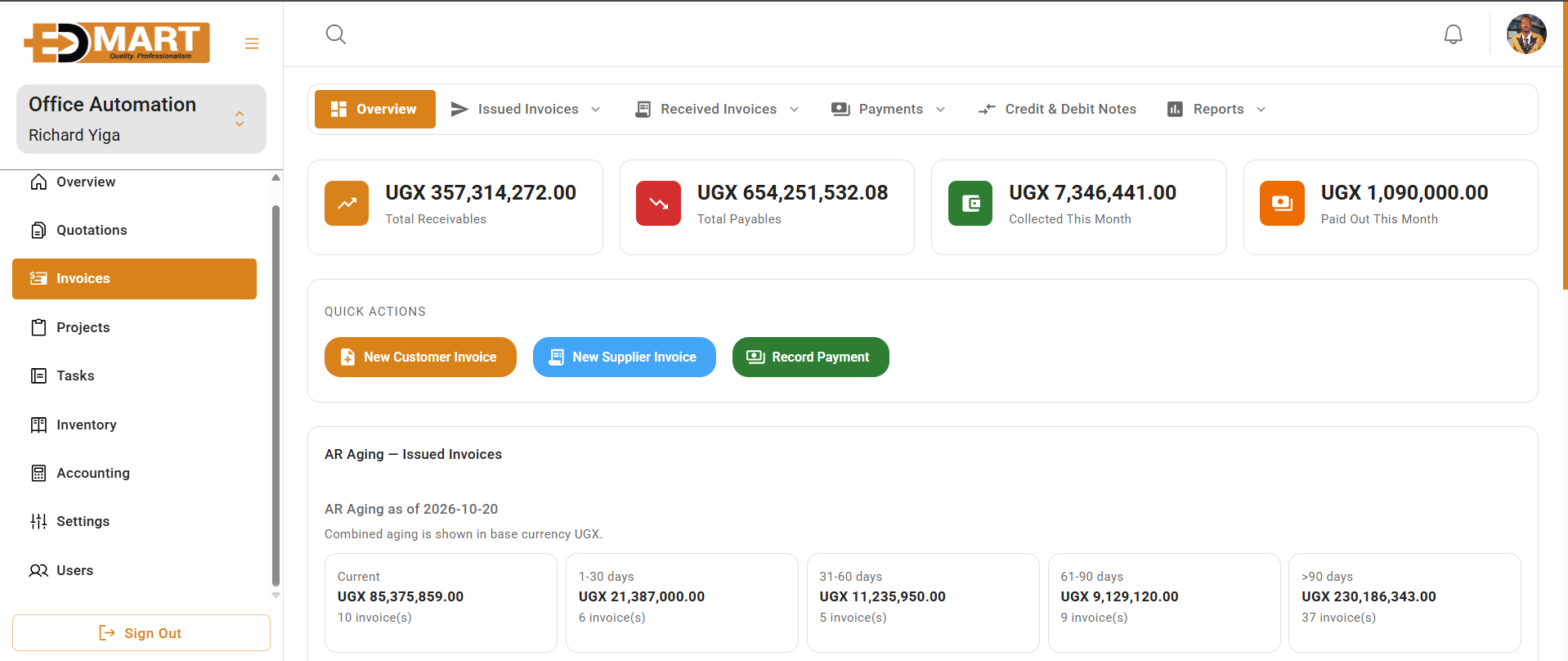
Prepare customer invoices, organize supplier invoices and record payments. Follow outstanding balances, credit and debit notes, and the documents behind each account.
What you can do
Keep issued and received invoices close to their payment history and adjustments so your team can follow an outstanding balance back to its records.
Prepare customer invoices and keep the details of the related work together.
Keep supplier invoices and recorded payments available for review.
Keep payment corrections within the supported invoice workflow.
Keep adjustments to invoice balances in a document workflow your authorized team can review.
Review outstanding customer and supplier invoices alongside their recorded payments.
How it works
Add the party, line items and relevant source references.
Review the document and follow its issued status.
Add payment records and review the remaining invoice balance and payment history.
Illustrative workflow · Available steps depend on enabled modules and workspace setup.
Why it helps
Keep invoice details and related references within reach.
Use recorded payment history when reviewing an invoice.
Review related accounting entries when accounting is enabled and configured.
Part of the bigger picture
Review proposals in Quotations, financial entries in Accounting, and project costs and documents in Tasks and projects.
Review accounts, banking records, currencies, tax records and financial reports.
8 capabilities
Give tasks an owner and follow project costs, stock, documents and certificates.
6 capabilities
Your next chapter
Walk through invoice preparation, recorded payments, adjustments and outstanding balances with your team.