01
Prepare the quotation
Build the proposal around the customer and the work or products being quoted.
- Organize customer details and line items
- Save a draft while the proposal takes shape
Quotations
Build a quotation with customer details, products and pricing. Save a draft, prepare the customer document and return to the same record when the proposal changes.
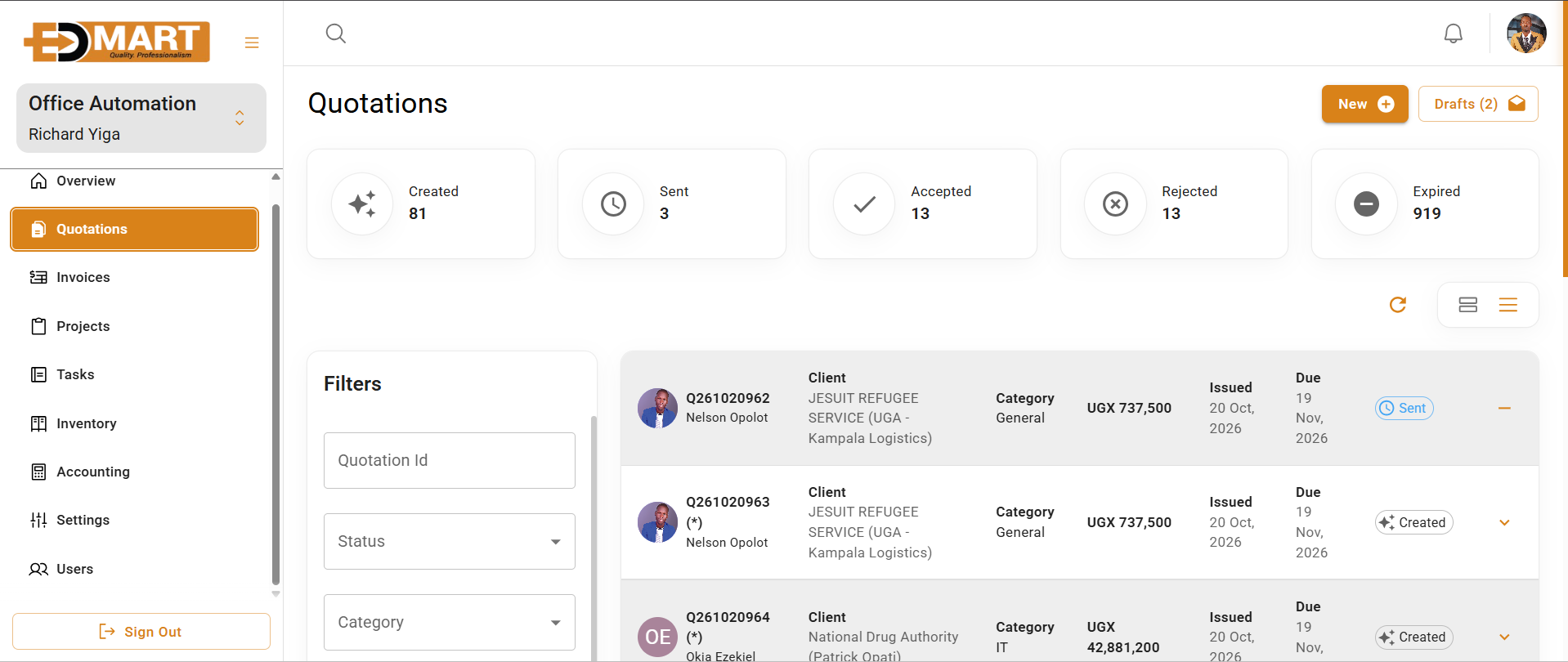
What you can do
Keep the customer, line items, document and status in one quotation record so colleagues can pick up the next conversation.
Build the proposal around the customer and the work or products being quoted.
Prepare the customer-facing quotation and check its recorded status.
Return to the quotation when the customer requests a change.
How it works
Add the customer, items and pricing for the proposal.
Review the quotation and prepare its customer-facing document.
Return to its status and details as the opportunity moves forward.
Illustrative workflow · Available steps depend on enabled modules and workspace setup.
Why it helps
Keep proposal information in a repeatable quotation workflow.
Give colleagues a shared record to refer to during follow-up.
Keep quotation references available when preparing a related invoice.
Part of the bigger picture
Explore product records in Inventory and POS, invoice preparation in Invoicing, and cost and document records in Tasks and projects.
Bring sales, purchasing, stock movements and inventory reviews together.
7 capabilities
Follow invoices, recorded payments, credit/debit notes and outstanding balances.
5 capabilities
Give tasks an owner and follow project costs, stock, documents and certificates.
6 capabilities
Your next chapter
See how your team can prepare a quotation, review its document and return to the proposal during customer follow-up.