01
Tasks and subtasks
Make the action and its owner easier to follow.
- Assign tasks to team members
- Review task status and subtasks
Tasks and projects
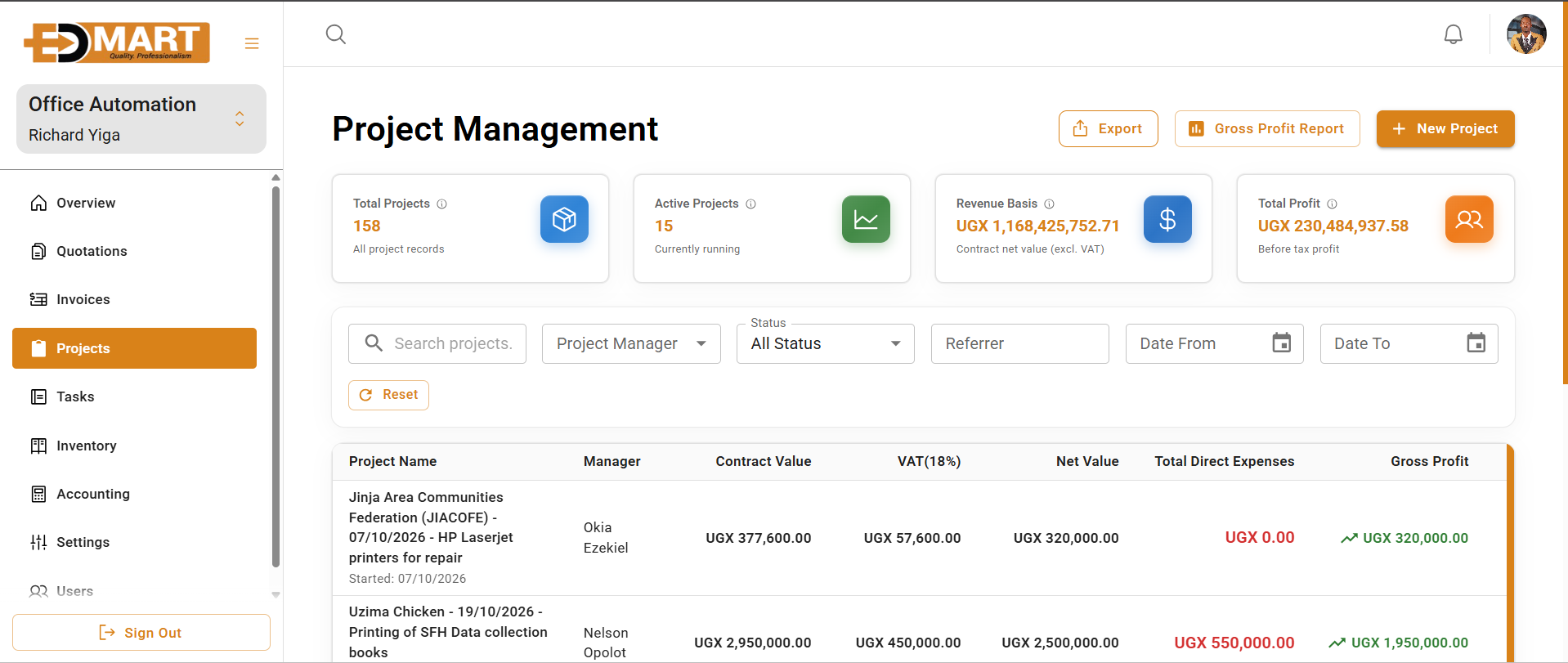
Give daily tasks an owner and track their status. Keep project materials, expenses, invoices, delivery notes and supporting documents together for review.
What you can do
Follow individual responsibilities through tasks and subtasks. Use project records to review the materials, costs and documents around a larger piece of work.
Make the action and its owner easier to follow.
Keep the operational and financial context of a project together.
Follow the materials requested for a project through the available stock workflow.
Keep delivery documents close to the project and materials they concern.
Prepare operational project certificates and follow their document status.
Keep supporting files with the project record so the team can return to them.
How it works
Create a task or establish the project record you need.
Assign task ownership or record project activity as work progresses.
Follow task progress or review the documents and costs around a project.
Illustrative workflow · Available steps depend on enabled modules and workspace setup.
Why it helps
Give daily actions an owner your team can identify.
Return to task status when following up on work.
Review the materials, expenses and documents associated with a project.
Part of the bigger picture
Explore stock movements in Inventory and POS, invoice and payment records in Invoicing, and accounts and roles in Team and administration.
Bring sales, purchasing, stock movements and inventory reviews together.
7 capabilities
Follow invoices, recorded payments, credit/debit notes and outstanding balances.
5 capabilities
Organize accounts, permissions, departments, locations and workspace settings.
5 capabilities
Your next chapter
Walk through task ownership or review a representative project's materials, costs and supporting documents.